Measurement Tools
Nine Purpose-Built Tools for Faster Construction Takeoff
Start Free TrialA Measurement Tool for the Way Estimators Actually Work
Construction takeoff is not one single action. Different work items require different ways of measuring , some need a simple length, others need area, volume, count, or a conversion from one measurement type into another.
In many traditional workflows, estimators are forced to work around these differences using only a few generic tools, then manually convert the results afterwards.
AedisPro is designed differently. It includes nine dedicated measurement tools, each built for a specific type of measurement workflow.
Why this matters
Estimators do not measure every work item the same way:
- Wall runs are measured as length
- Floor finishes are measured as area
- Trench excavation may begin as a line but end as a volume
- Fixtures may start as counts but need derived quantities
Why Purpose-Built Measurement Tools Matter
On real projects, one measurement type often needs to become another
Perimeter → slab or ceiling area
Tool: Length to Area
Trench line → excavation volume
Tool: Length to Volume
Repeated fixtures → total pipe length
Tool: Count to Length
Sprinkler heads → total coverage area
Tool: Count to Area
Packaged materials → total volume
Tool: Count to Volume
Floor footprint → concrete slab volume
Tool: Volume
Without dedicated tools, this creates repetitive work. AedisPro gives users tools already designed around the output they actually need.
The 9 Measurement Tools in AedisPro
Each tool built for a specific measurement workflow
Length Tool
Output: Length (m)Measures linear elements by clicking along a path and double-clicking to finish. Ideal when the required output is a direct linear measurement.
Typical uses
- Wall lengths
- Perimeter runs
- Service routes
- Edging and trim lines
Length to Area Tool
Output: Area (m²)Converts a drawn boundary into an area measurement automatically. Draw a polyline boundary and the system closes and calculates the area once completed.
Typical uses
- Floor tiling
- Floor finishes
- Ceiling finishes
- Roof areas
- Paving and slab zones
Length to Volume Tool
Output: Volume (m³)Converts a linear measurement into a volume using thickness or depth values. Depth and thickness are adjustable in the element properties panel , no separate manual calculation needed.
Typical uses
- Trench excavation
- Concrete beams
- Pipe bedding
- Linear backfill
Area Tool
Output: Area (m²)Draws closed polygons and measures areas directly. Supports fill colour and opacity to highlight zones clearly on the drawing.
Typical uses
- Rooms
- Flooring areas
- Wall finish zones
- Landscaped areas
- Ceiling layouts
Volume Tool
Output: Volume (m³)Creates a 3D volume from an area footprint plus height or depth. Height values are configurable in element properties, moving directly from a plan area to a calculated volume.
Typical uses
- Slab concrete
- Fill volumes
- Pits and tanks
- Retaining wall quantities
Count Tool
Output: Count (nr)Places countable symbols on the drawing, aggregating automatically with each click. Suited for any item that requires a quantity count.
Typical uses
- Light fittings
- Power points
- Plumbing fixtures
- Furniture items
- Equipment counts
Count to Length Tool
Output: Length (m)Each placed symbol contributes to a total length instead of a simple count. The system computes length from intervals or rules defined in element properties.
Typical uses
- Pipe length by spacing
- Reinforcement distribution
- Spacing-based linear calculations
Count to Area Tool
Output: Area (m²)Each symbol represents a coverage area. Converts counts into total area quantities , ideal for items with a fixed coverage zone such as HVAC units or sprinkler heads.
Typical uses
- Sprinkler coverage
- Irrigation layouts
- Lighting coverage
- HVAC influence zones
Count to Volume Tool
Output: Volume (m³)Each counted symbol carries a predefined volume value. Ideal for quantity workflows where each item corresponds to a fixed volumetric quantity.
Typical uses
- Packaged materials
- Fill units
- Container-based volume estimates
- Equipment volume allowances
Reduce Repetitive Work Across Similar Items
Construction projects often include repeated measurement scenarios across multiple rooms, floors, or zones. AedisPro's specialised tools help reduce repetitive work by letting users choose the most efficient measurement method from the start.
Instead of measuring manually, exporting results, converting them later, and rebuilding the quantity logic inside spreadsheets , users can create the right type of measurable element directly in the drawing environment.
This improves speed, consistency, and clarity across the takeoff.
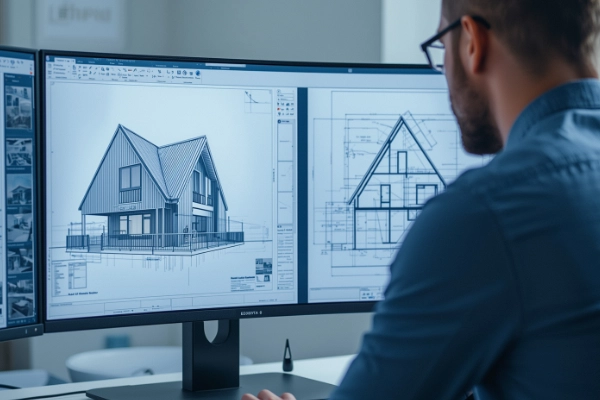
Measurement Workflow with AedisPro
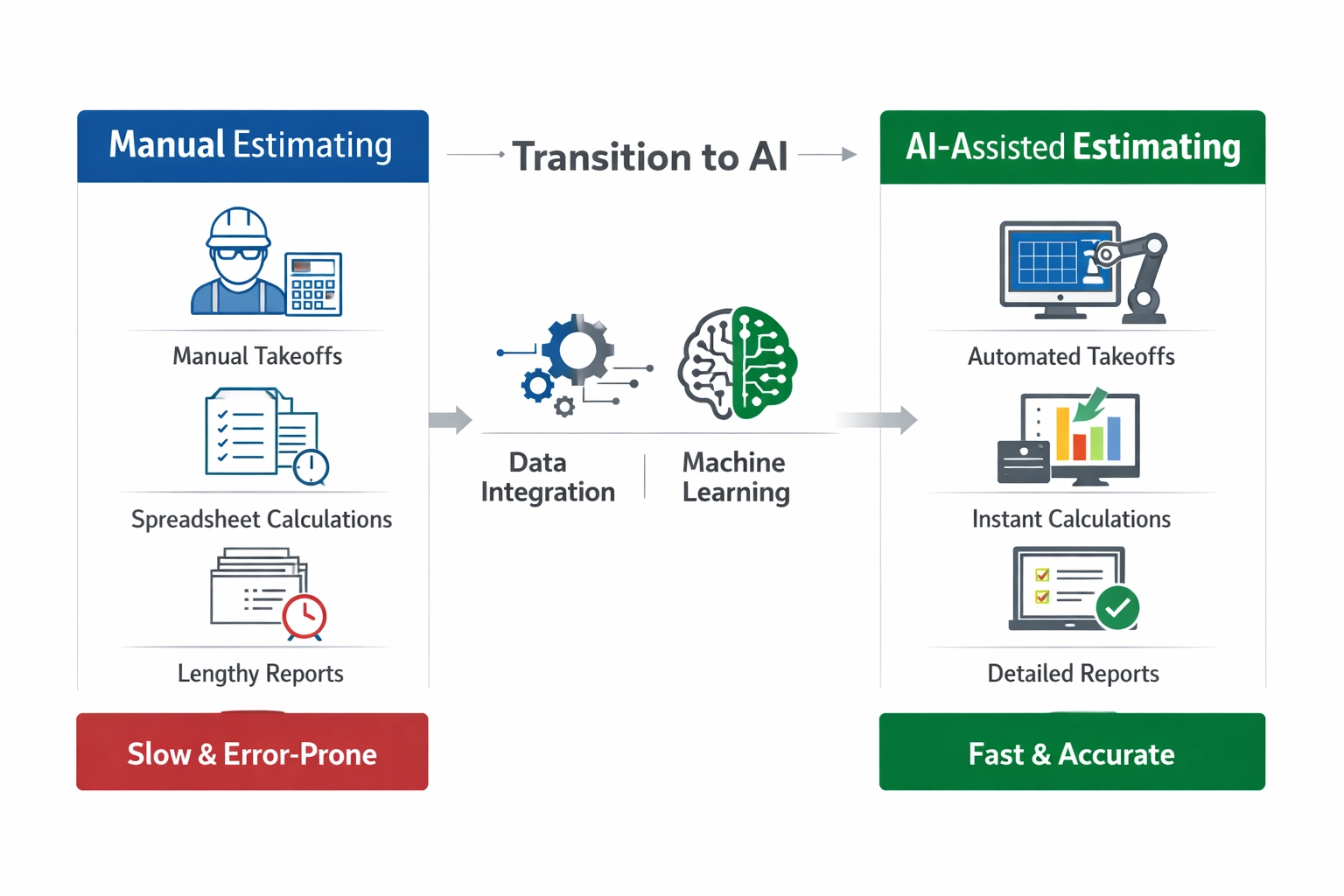
A shorter path from drawings to usable quantities
Traditional Workflow
AedisPro Workflow
More Natural Takeoff for Professional Estimators
Every measurement appears in the Measurement Tree using calculated values based on scale or viewport. Users are not only creating markup , they are building structured quantity data that flows into broader estimating workflows.
- Clear measured elements on the drawing
- Structured quantities ready for export
- Consistent output across the takeoff
- Less rework between takeoff and BOQ preparation
Key Benefits of Measurement Tools
Nine Dedicated Tools
Use a purpose-built tool for the type of quantity you actually need.
Hybrid Quantity Conversion
Convert between measurement types inside the takeoff workflow.
Less Repetitive Work
Reduce manual recalculation and repeated data handling across items.
More Natural Professional Output
Prepare quantities aligned with real estimating and BOQ workflows.
Measure the Way the Work Requires
AedisPro's measurement tools give estimators more than generic drawing actions. They provide a structured, flexible measurement environment where lengths, areas, volumes, and counts , and the conversions between them , can be created more naturally and with less repetitive work.
That means faster takeoffs, clearer quantities, and a workflow that feels much closer to how professionals actually measure projects.
Start Free TrialExplore More
Discover other ways AedisPro supports your construction workflows